
Setting up Time Template:
- Login into the ICM via the 'system' user name.
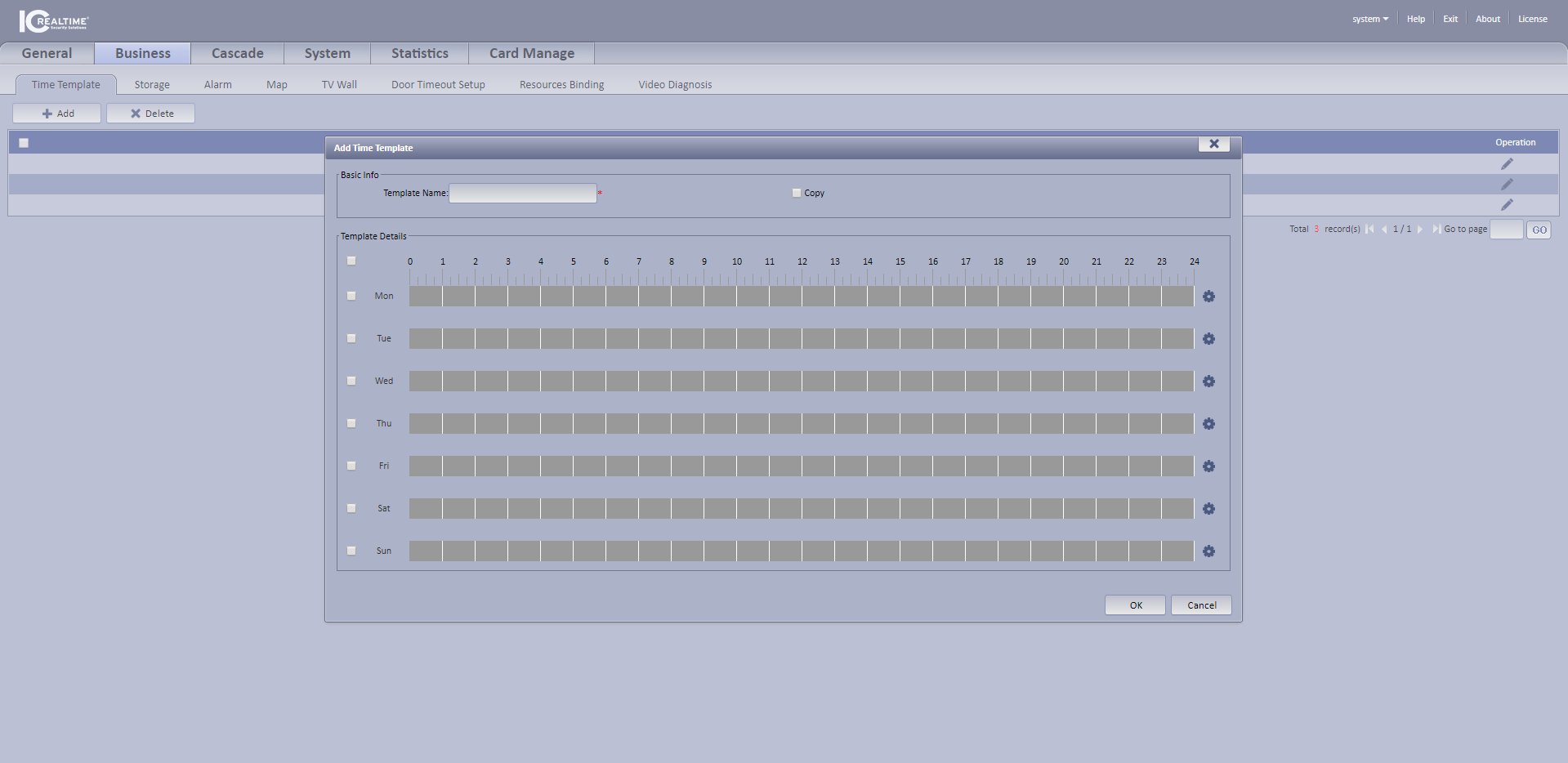
- Go under the 'Business' tab and into Time Template.
- Press '+' add or you can edit the current ones by pressing the pencil icon.
- Then name your Template.
- This allows you to create a template for storage and alarms without having to do it over and over again.
Comments
0 comments
Please sign in to leave a comment.